baize

Notes / AI Coding

Topic

AI Coding

How engineering practice changes once AI writes code: constraints, boundaries, and how to accept the output.

18

notes

In this topic

All notes

Claude Code or Codex: Which Tool Gets Which Task

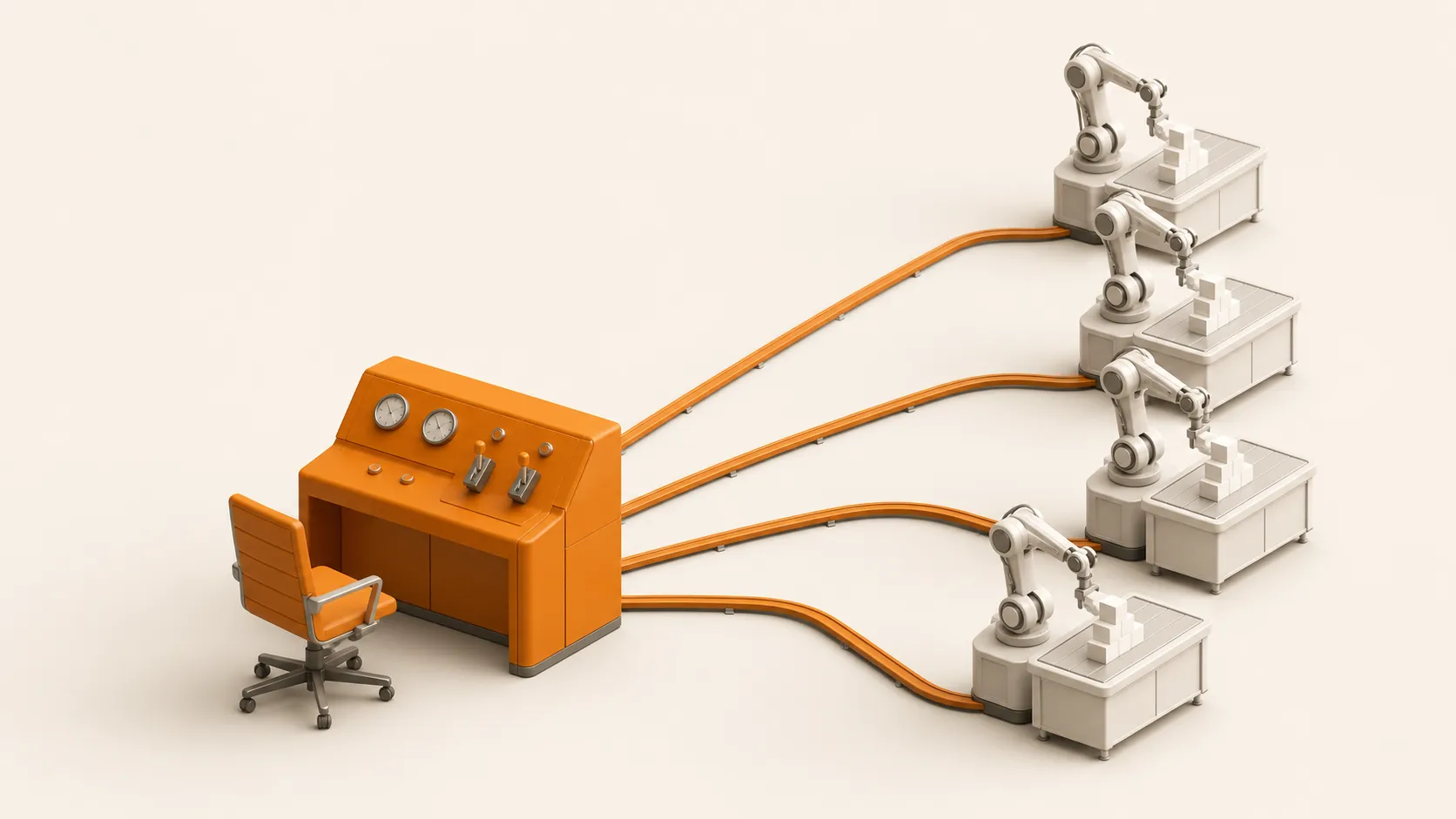
Before a team uses AI to write code, it should know what kind of work Claude Code and Codex each suit. Local tasks where a person watches and edits go to the terminal tool. Tasks with clear acceptance checks go to Codex Cloud. Codex can review PRs. Use the two together and keep the rules in one place.

Codex Skills: How to Install Them and How to Call Them

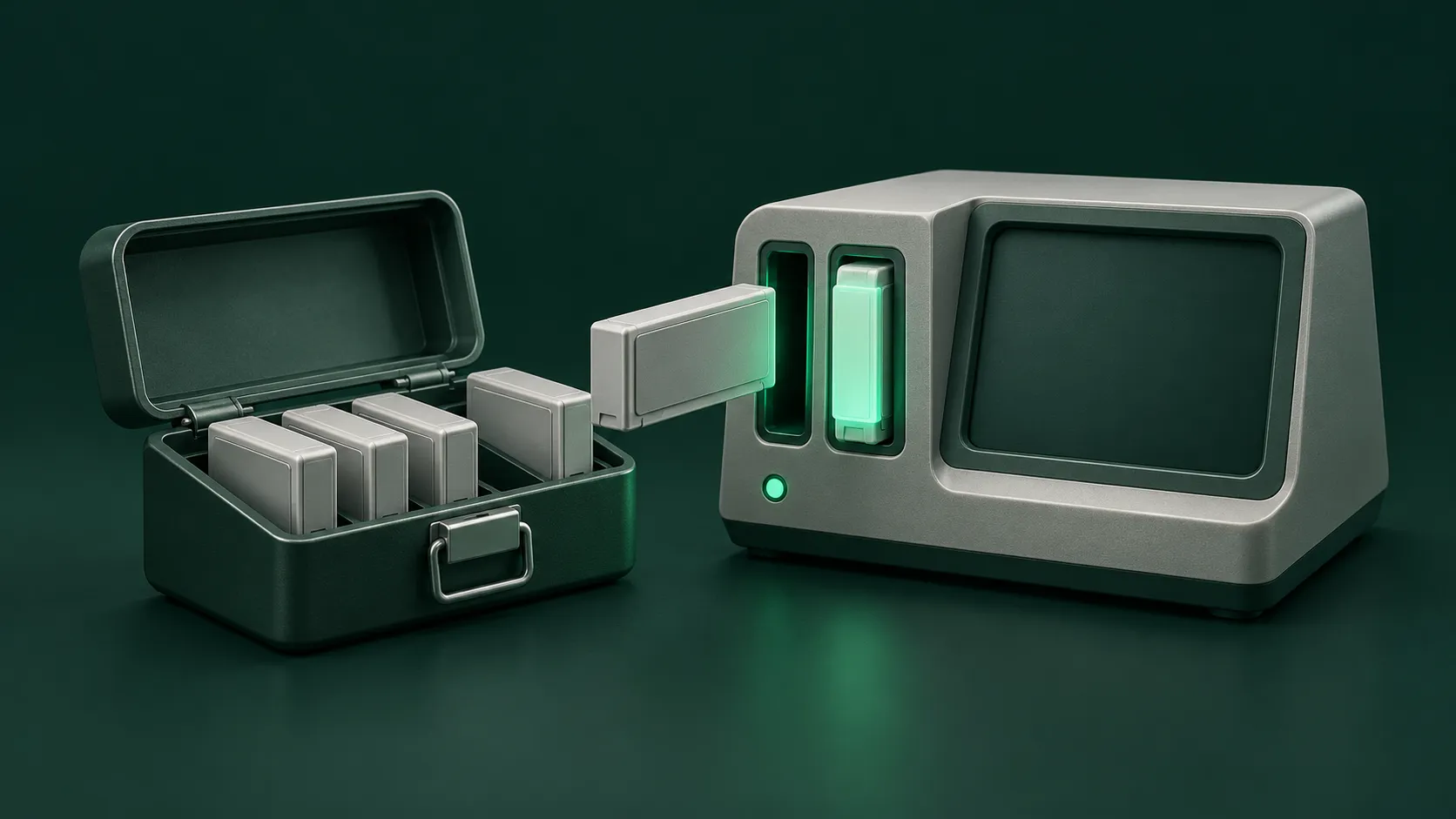
Codex skills package a task workflow in a standard folder and run in the Codex CLI, the IDE extension, and the desktop app. You can install curated skills with the official command or write them directly into the repo or a local path. You call a skill by name with a symbol, or the model matches it from its description. Teams manage skills through repo version control and a config file.

How to Install Grok Bot on Desktop and Mobile

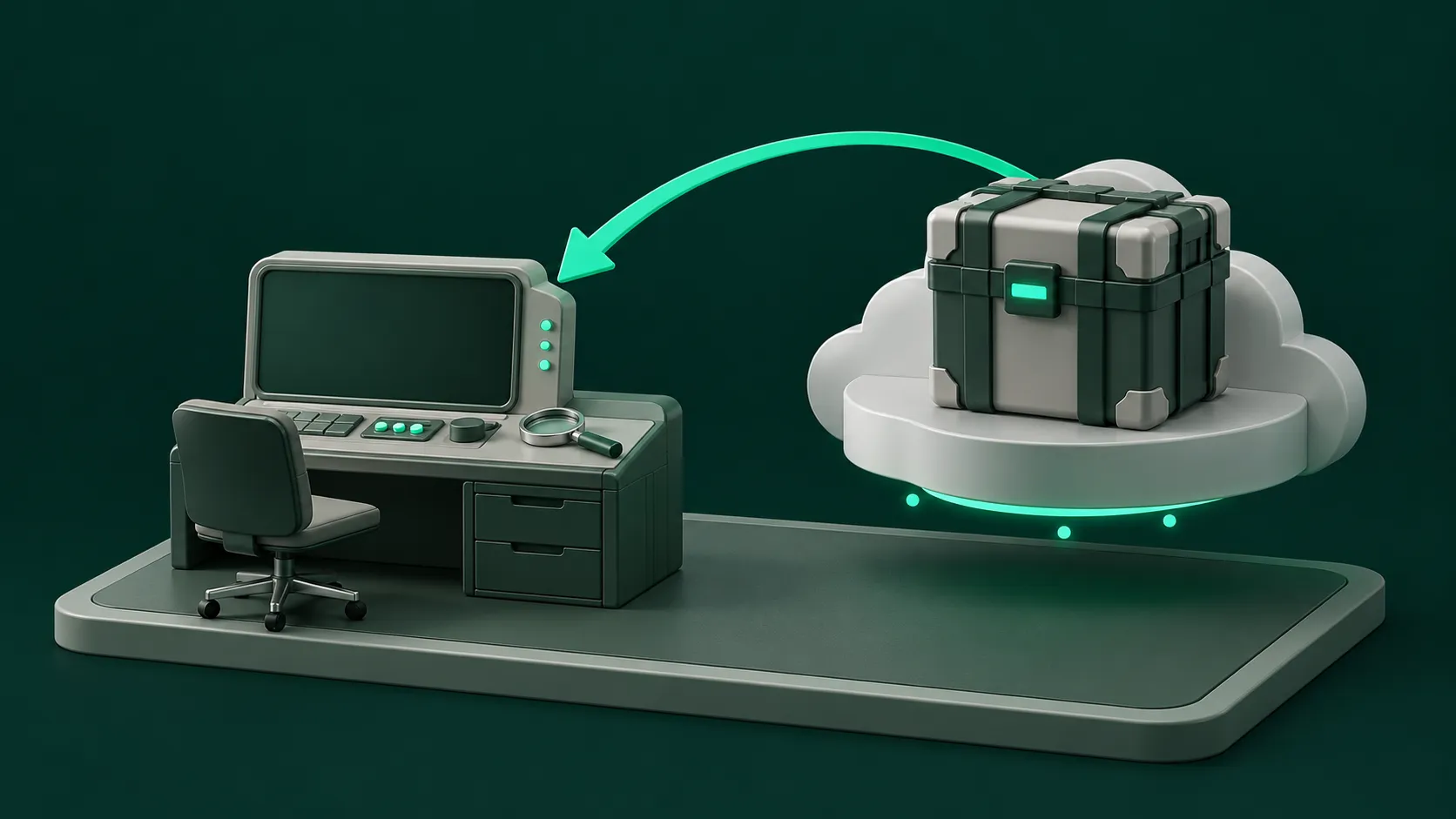
Before installing Grok Bot, confirm your plan includes access and your account is not on Privacy Mode (Legacy). On desktop, download the installer for your system and chip architecture and sign in with a Cursor account. On mobile, install from the official app store. Both use the same Bots and the same cloud computer.

Grok Bot Pricing: Which Plans Include the Bot?

To assess Grok Bot pricing, first check which plans include Bot access. On The X Subscription, the Premium, Super, and Ultra tiers include Grok Bot, and usage is shared weekly between Grok and Cursor. Past the allowance you can top up with prepaid credits and set a monthly spending cap.

Grok Bot Routine Not Firing? How to Troubleshoot It

When a Routine does not fire, check in a fixed order. First see whether its switch is paused, then confirm the time zone and next run time, and check the external event matching rules and the webhook status code. If it still has not run, check plugin authorization and rate limits.

Grok Bot vs Grok: Which One Gets Your Repeat Work?

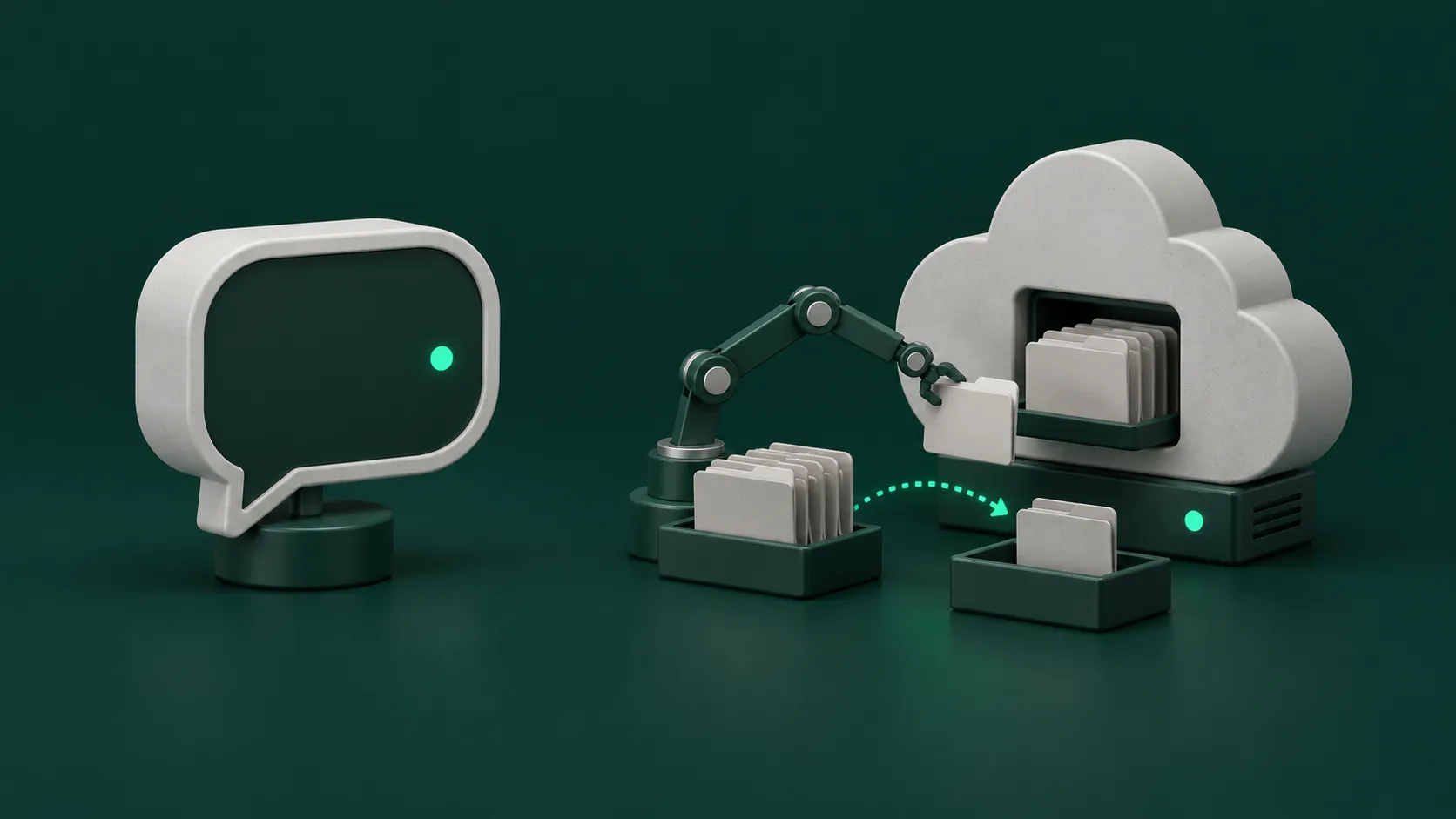
The difference between Grok Bot and Grok comes down to whether a task has to keep running in a real environment. Grok is a chat app for instant answers and content generation. Grok Bot has an always-on cloud computer for multi-step automation and scheduled repeat work. Sign-in and usage metering are separate for the two.

LM Studio or Ollama: Which to Use on a Mac

LM Studio and Ollama suit different jobs on a Mac. If a person sits at the screen testing models and quantization levels, install LM Studio first for its graphical interface. If terminal scripts and coding agents need an always-on local API, install Ollama first. The two use different ports and can run together on the same computer.

How Much Mac mini Memory Do You Need to Run Local LLMs?

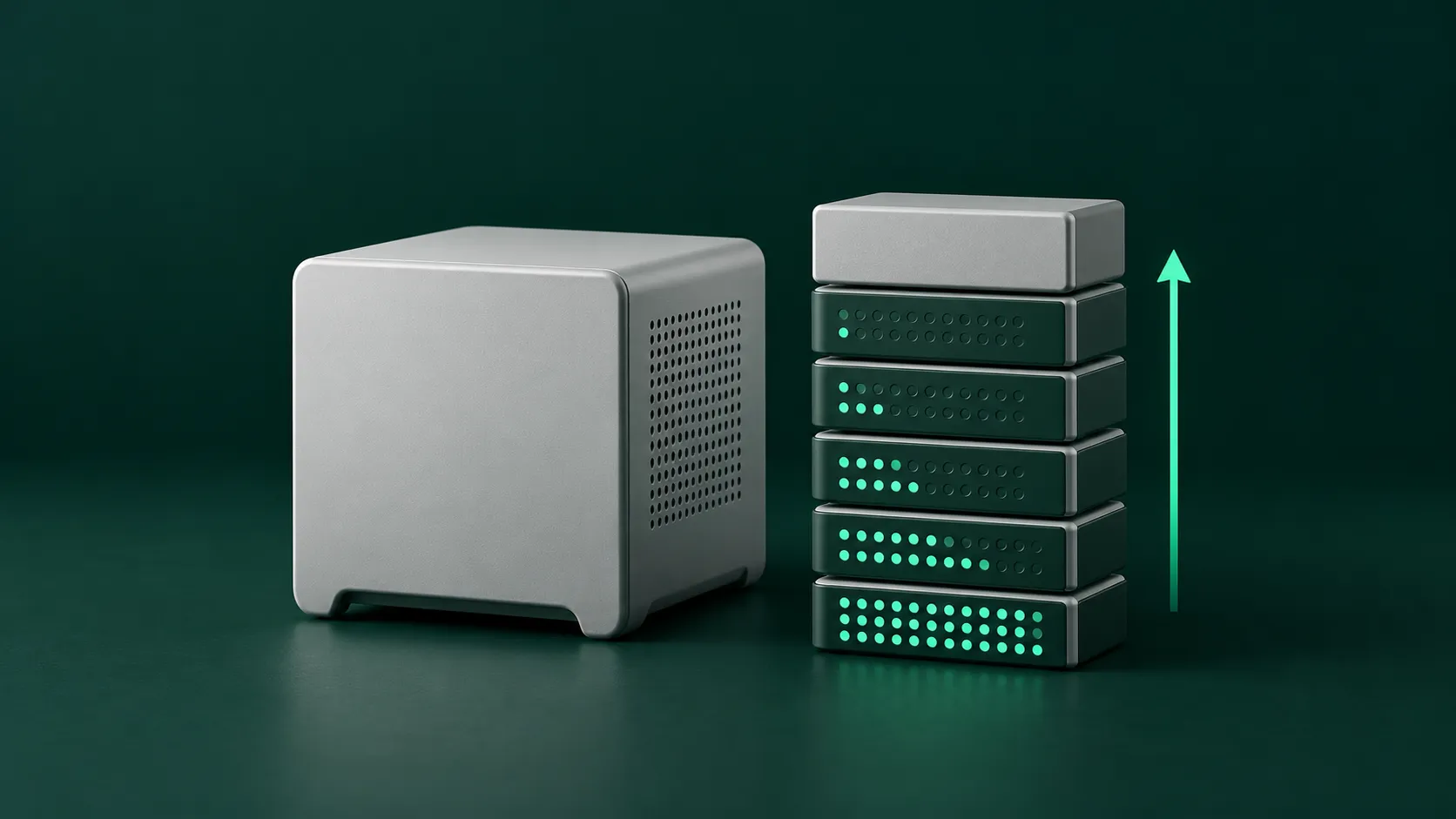
The memory you choose when buying a Mac mini for local LLMs sets the largest model the machine can hold. Work back from model size. In 4-bit quantization, 16 GB suits models up to about 14B parameters, 32 GB up to about 30B, and 64 GB up to about 70B. Factor in memory bandwidth and multitasking overhead when you buy.

Start with a 30-minute call.
Find the first workflow to change.

Free. Remote, over video.

Book a call →