
AI Coding
Grok Bot vs Grok: Which One Gets Your Repeat Work?
The difference between Grok Bot and Grok comes down to whether a task has to keep running in a real environment. Grok is a chat app for instant answers and content generation. Grok Bot has an always-on cloud computer for multi-step automation and scheduled repeat work. Sign-in and usage metering are separate for the two.
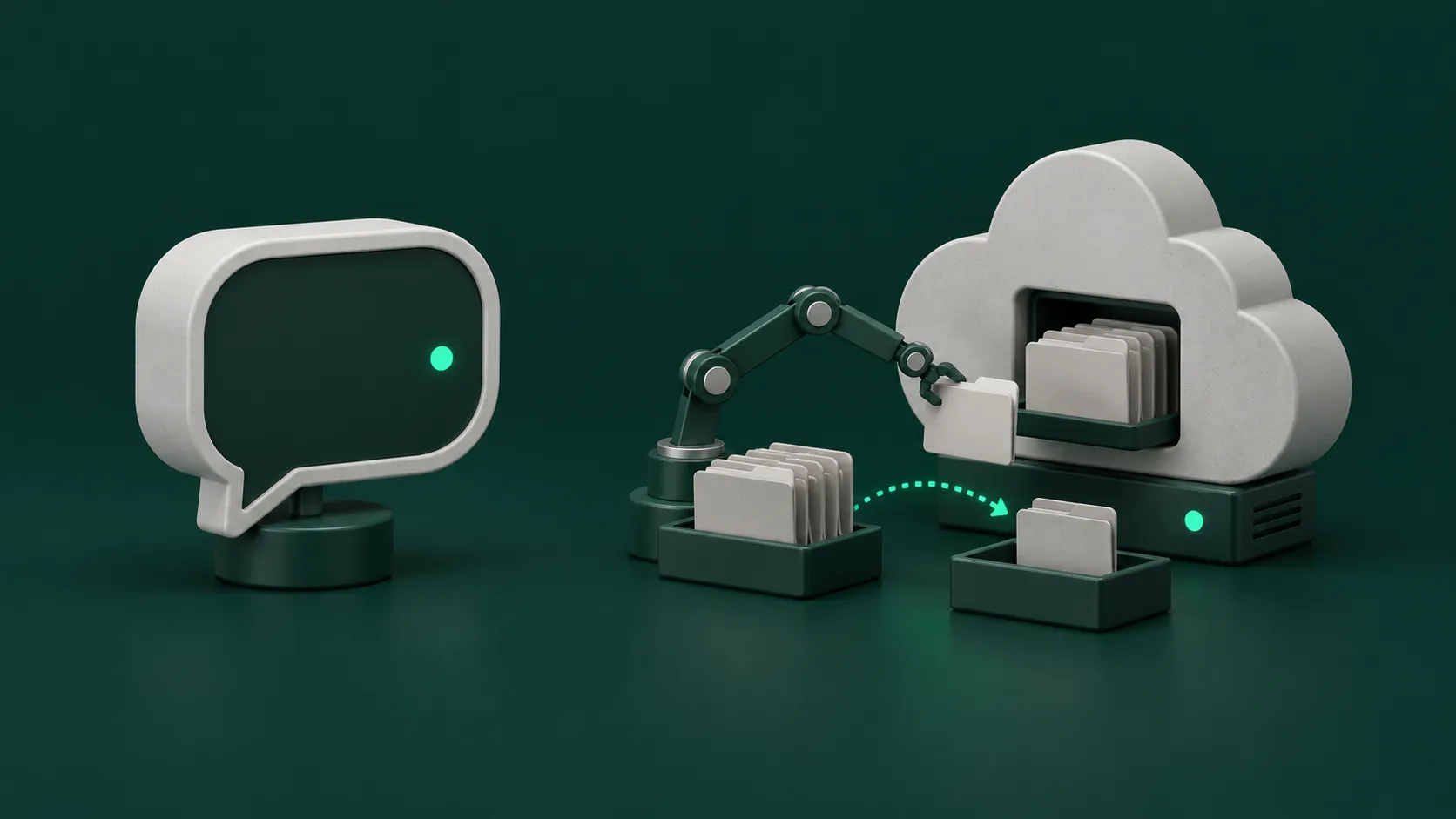
To tell Grok Bot and Grok apart, first ask whether the job is one-off, or whether it has to be finished in real tools and repeated every week. Grok is xAI’s chat app. It suits one-off questions, drafting, and image generation. Grok Bot is a separate app. Each Bot has an always-on cloud computer, which suits multi-step work that is finished in real tools and repeated every week. The two apps sign in differently and show usage differently.
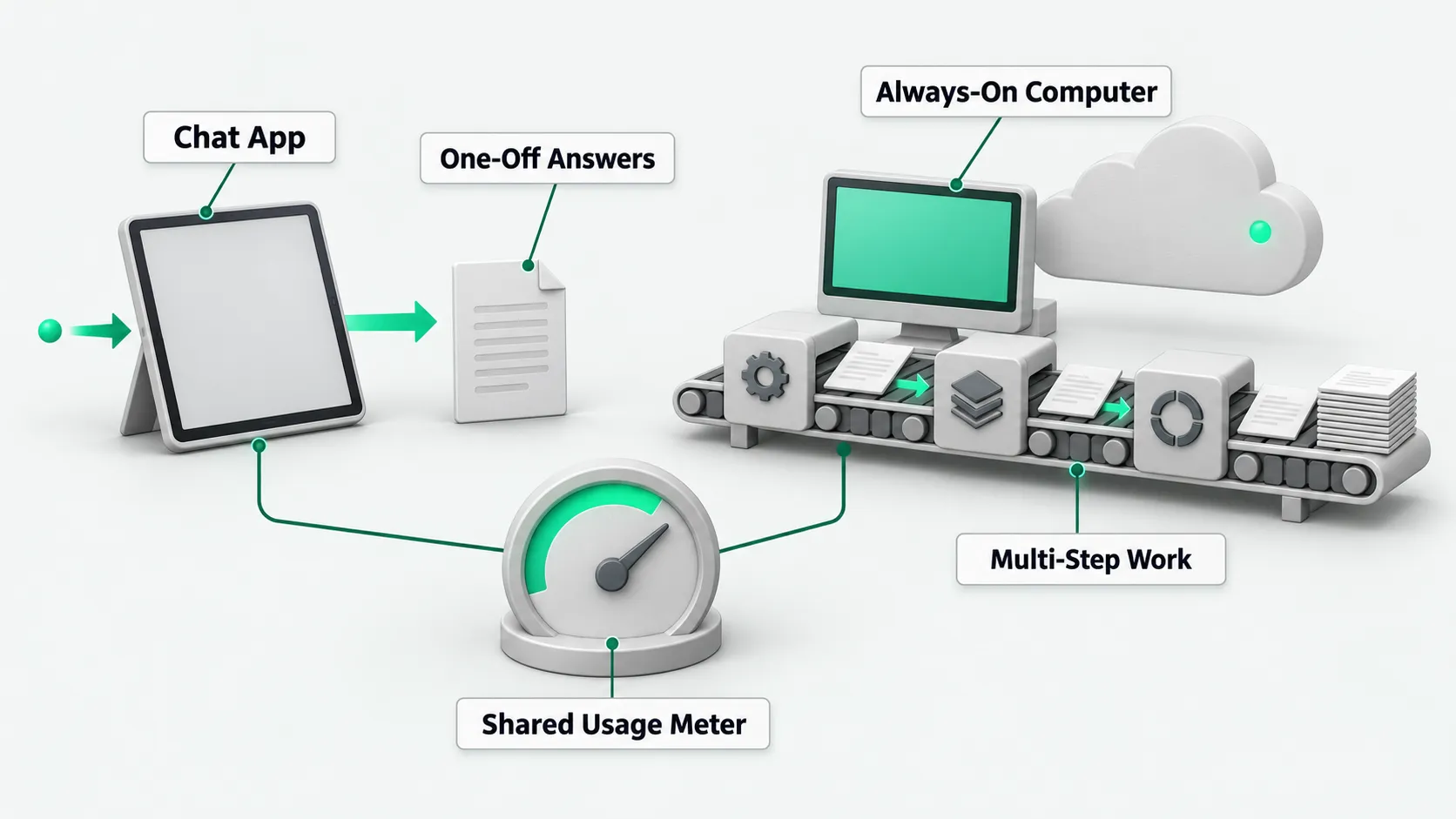
The two products are separate apps
According to the Cursor FAQ, the Grok chat app and Grok Bot are two different apps. A paywall or the Weekly SuperGrok Limit in the Grok app has nothing to do with Grok Bot.
Grok Bot signs in with a Cursor account. There is no separate Grok Bot sign-in. For a comparison with ChatGPT, see Grok Bot vs ChatGPT: A Cloud Teammate or Another Chat Window?.
One-off questions, drafts, and images
According to the x.ai pricing page, the Plus tier includes Grok Chat, Voice, Imagine, and Build. For work that ends when it is done, such as asking a question, drafting a passage, or generating an image, Grok chat is enough. Grok Bot starts at the Premium tier.
Work finished in real tools and run again and again
According to the official Grok Bot overview, each Bot works on an always-on cloud computer with a browser, a file system, and a terminal. Tasks are finished in real tools and do not stop at a chat draft. Work continues after you close your laptop.
Setup takes one message. You do not build a workflow. A named Bot keeps memory, files, browser sign-ins, and preferences across sessions. After a Bot walks you through a multi-step process once, you can save it as a Skill and rerun it on a schedule. When a site needs a sign-in or a CAPTCHA, the Bot hands that step to you. For hands-on guidance, see What Is Grok Bot? An AI Agent Guide to Persistent Teammates.
According to the Cursor Help Center page on Routines, a Routine tells a Bot when to run a workflow. It can run on a schedule, or when a Slack message, a GitHub event, an email, or a webhook call arrives. Routines run in the cloud and keep running when your laptop is closed.
How sign-in and usage are tracked separately
When an older account is linked to SuperGrok, the SuperGrok allowance and Grok Bot usage are metered separately. Grok Bot usage is recorded on the Cursor account. You check it in Grok Bot under Settings > Usage & Billing, not in the Grok app. See the Cursor FAQ. On The X Subscription, Grok Bot usage comes out of the same weekly pool as Cursor and the Grok app. See the Cursor plans and billing docs.
According to the Cursor FAQ, Grok Bot does not let you pick a model. It chooses one for each task. There is no model picker.
Grok Bot vs Grok: FAQ
The Grok app says my allowance is used up. Can I still use Grok Bot?
For older accounts linked to SuperGrok, a paywall or the Weekly SuperGrok Limit in the Grok app has nothing to do with Grok Bot. You check Grok Bot usage in Grok Bot under Settings > Usage & Billing. On The X Subscription, the two share one weekly pool, and you check the remaining amount under Usage at grok.com/dashboard.
Can I switch Grok Bot’s underlying model by hand?
No. According to the Cursor Help Center, Grok Bot has no model picker. It chooses a model for each specific task.
I have only used Grok chat. Do I need to sign up again for Grok Bot?
There is no separate Grok Bot sign-in. Grok Bot uses a Cursor account. See the Cursor sign-in guide. On The X Subscription, the Premium tier and above include Grok Bot, and you sign in to Grok Bot with the same account as the subscription. See the Cursor plans and billing docs.