
AI Coding
How Much Mac mini Memory Do You Need to Run Local LLMs?
The memory you choose when buying a Mac mini for local LLMs sets the largest model the machine can hold. Work back from model size. In 4-bit quantization, 16 GB suits models up to about 14B parameters, 32 GB up to about 30B, and 64 GB up to about 70B. Factor in memory bandwidth and multitasking overhead when you buy.
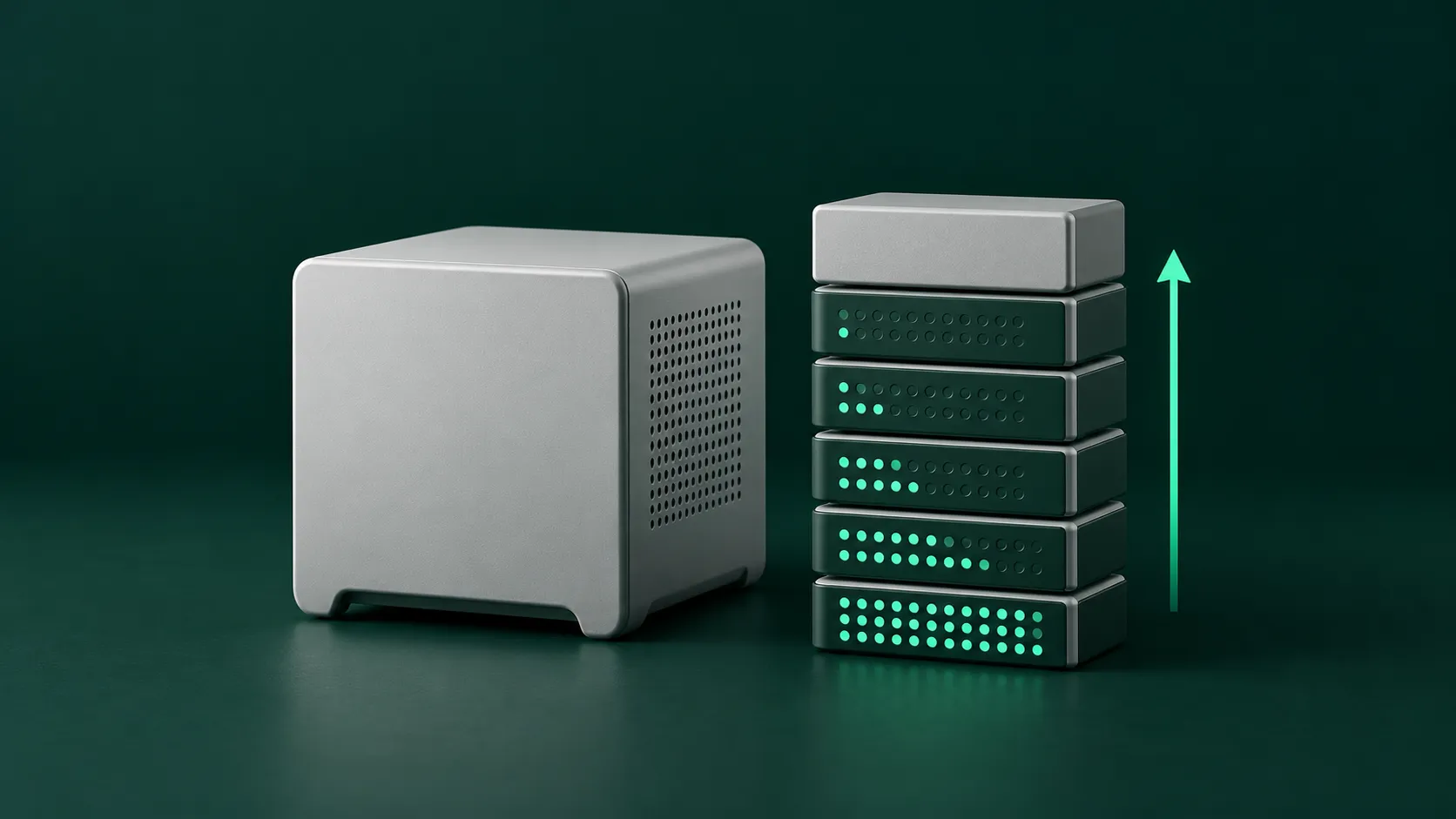
When you buy a Mac mini to run local models, pick the memory tier from the model size you want to run first, then look at bandwidth, and finally weigh the one-time cost of the machine against pay-per-use API costs. If the model does not fit in memory, it will not load. Unified memory is shared by the CPU and GPU, and the operating system and other daily apps take part of it too. Before choosing, work out the model’s parameter count, the memory bandwidth, and how many people will use it at once.
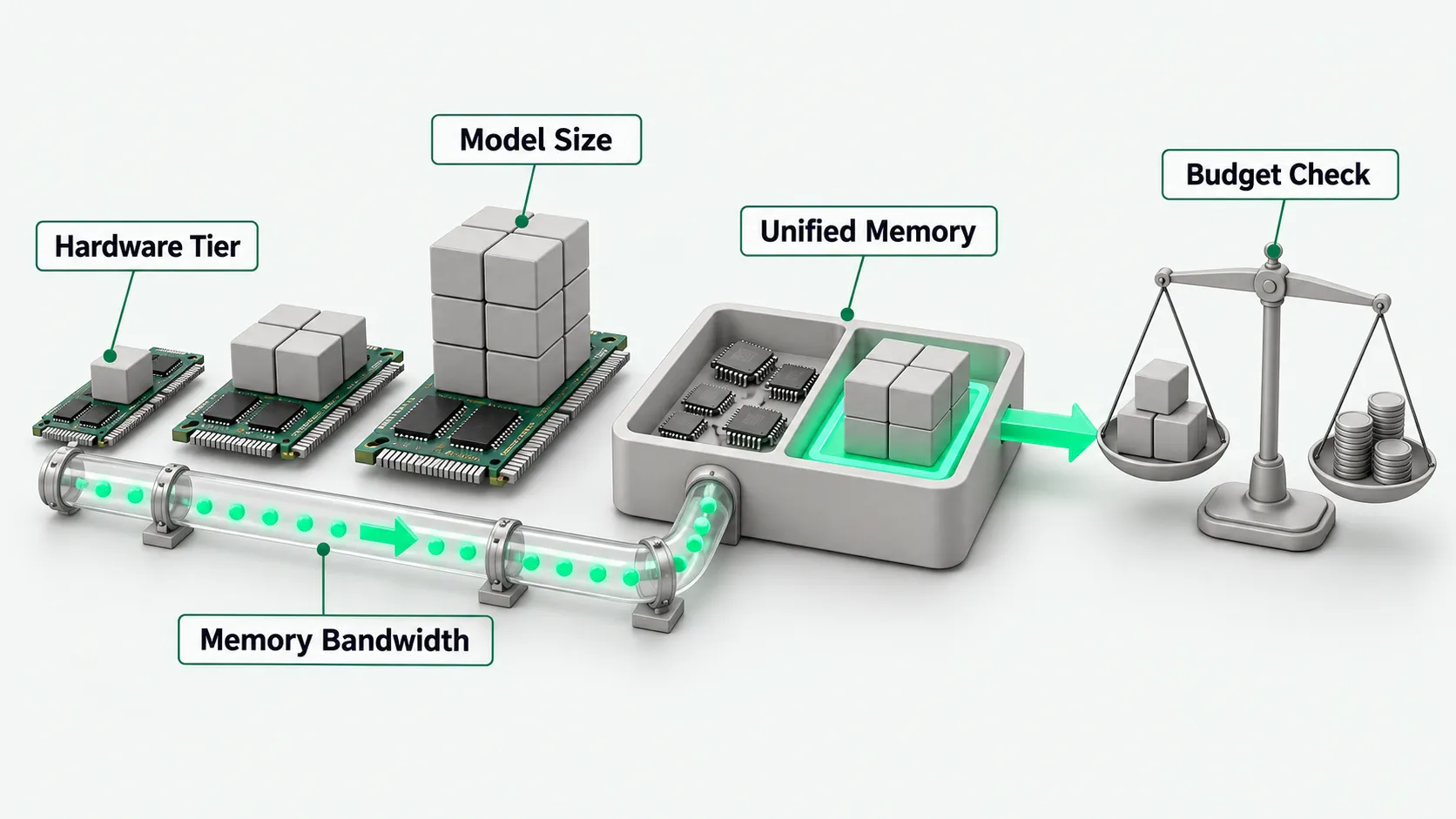
Start with the tiers you can buy now
According to the Apple Mac mini specs page, one M6 model comes with 16 GB of unified memory, configurable to 24 GB or 32 GB. Another M6 model comes with 24 GB, configurable to 32 GB. The M5 Pro model comes with 24 GB, configurable to 48 GB or 64 GB. Apple lists memory as a configure-to-order option at purchase.
On the Mac mini, unified memory is shared by the CPU and GPU. The operating system, the development tools you keep open, and browser tabs all use the same memory pool. If you size the configuration too tightly, the space left for model weights gets squeezed. Before you buy, measure how much memory your daily apps use, then leave enough headroom.
Work back from model size to memory
According to the mlx.app guide (Chinese), updated on October 19, 2026, memory sets which models fit. In 4-bit quantization each billion parameters needs about 0.55 to 0.6 GB, plus headroom for context and the system. The comfortable sizes in 4-bit quantization are: 16 GB for up to about 14B parameters, 32 GB for up to about 30B, and 64 GB for up to about 70B.
A 70B model’s weights take about 40 GB in 4-bit quantization, so the machine needs 64 GB of memory or more to run it reliably. These figures are approximate. The quantization method, the context window length, and other open apps all affect memory use in practice. If you plan to deploy a large open model on a Mac, check the memory threshold for each quantization level in Qwen3.8 VRAM Requirements: Which Quantization Level for 27B? to confirm whether the 32 GB tier meets the target model’s requirements. For picking a quantized file to match your memory tier and getting the model running on a Mac, see Run Qwen3.8-27B Locally on Mac with Unsloth.
Once the model fits, look at bandwidth
According to the mlx.app guide (Chinese), memory bandwidth sets the speed. During inference the model keeps reading weights from unified memory, so bandwidth directly affects how fast output streams.
Memory bandwidth differs clearly between chip models. According to the Apple Mac mini specs page, the M6 16 GB model has 153 GB/s of memory bandwidth, the M6 24 GB and 32 GB models have 170 GB/s, and the M5 Pro model reaches 307 GB/s. An M6 with 32 GB can hold a 30B model, but for frequent chat or long-text work, the M5 Pro model’s higher bandwidth gives faster responses.
Settle the use case and budget before you buy
When planning the purchase budget, count local hardware spend and cloud API costs together. A local machine is a one-time fixed hardware cost with no per-inference fee afterward. Cloud model services bill by usage. They work out of the box, but ongoing calls keep costing money. For balancing these two cost models in finance and technology planning, see the budget breakdown in Can an Annual IT Budget Handle Usage-Based AI Pricing?, and work out the total cost from the machine’s depreciation period and the team’s call volume.
According to the Apple Mac mini specs page, M6 models go up to 32 GB, and only the M5 Pro model offers 48 GB or 64 GB. According to an Ollama blog post published on March 30, 2026, the Ollama MLX preview officially requires more than 32 GB of unified memory. If you plan to use that preview, only the M5 Pro 48 GB or 64 GB configurations qualify. When several people share the machine, each person’s context takes memory, so leave headroom for the number of people using it at the same time.
Mac mini memory: FAQ
Which tier suits daily coding plus running models?
By the approximate table in the mlx.app guide, in 4-bit quantization 16 GB of unified memory holds models up to about 14B parameters, and 32 GB holds models up to about 30B. Development tools and the browser share the same unified memory with the model. When choosing, estimate the model weights plus the memory your daily apps use, and leave enough room for daily work.
Why does inference performance differ with the same memory size?
Inference speed depends directly on memory bandwidth. According to the Apple Mac mini specs page, the M6 16 GB model has 153 GB/s, the M6 24 GB and 32 GB models have 170 GB/s, and the M5 Pro has 307 GB/s. With the same 24 GB of memory, the M6 model has 170 GB/s and the M5 Pro model has 307 GB/s, so generation speed differs too.
Can a 16 GB Mac mini run local LLMs?
Yes, a 16 GB Mac mini can run local LLMs, but in 4-bit quantization it usually holds only models up to about 14B parameters. The system and other daily apps also use memory, so the space available for a local model is limited. Before buying, check the target model’s parameter count to settle the configuration.