
AI Safety
Agent Egress Control: How Wide Must the Allowlist Be for the Agent to Work?
For agent egress control, the sandbox denies all outbound traffic by default, and a domain allowlist and permitted request methods are configured per task. Separating the dependency install phase from task execution, limiting write methods on broad domains, and blocking private network ranges separately keep agents running while preventing data leaks.
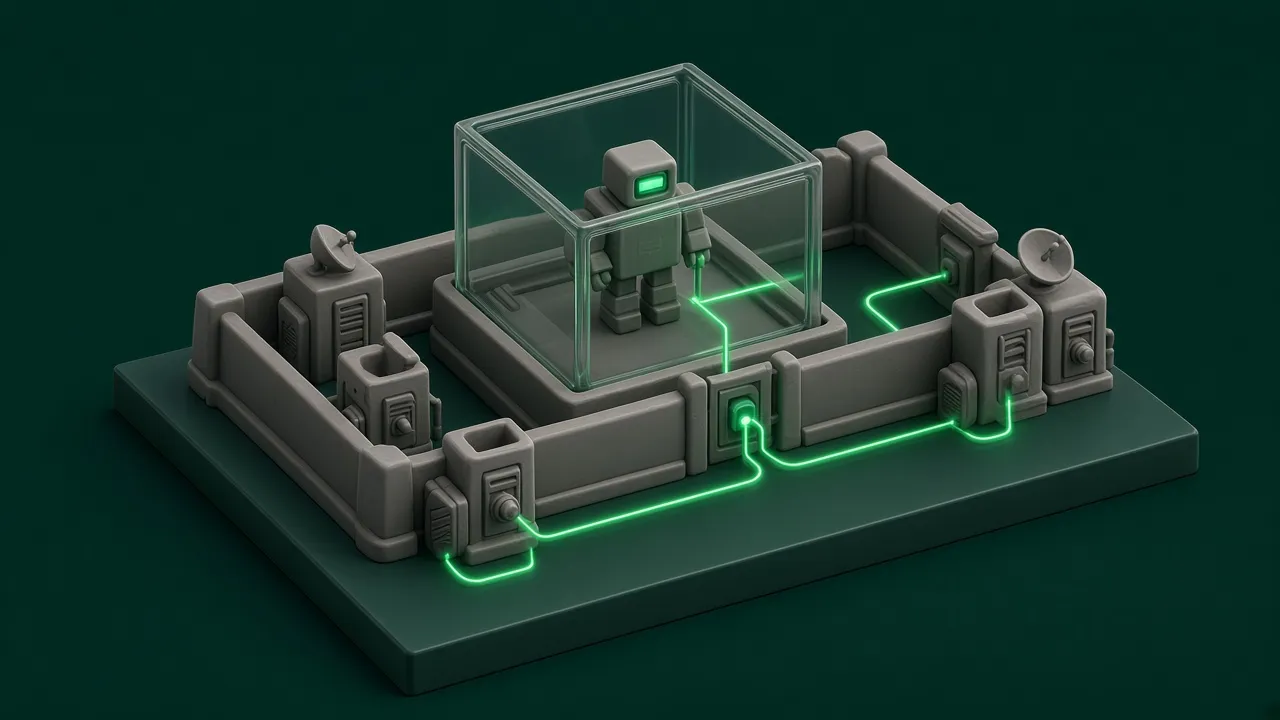
A common baseline for agent egress control is a sandbox that denies all outbound traffic by default and then allows domains one at a time through an allowlist. How wide the allowlist goes is set per task, not opened broadly for the whole agent. First list the model APIs, internal APIs, dependency sources, and storage addresses this task needs to reach. Start from an empty list, run the task once, and fill in what the block log shows is missing. Where a specific subdomain can be named, do not use a wildcard. Broad domains that allow both writing and uploading, such as code hosting and cloud drives, are denied by default or allowed only for read-only methods. Private network ranges go into the deny list separately. Allowlist changes need approval from the security lead with a record, and domains unused for a long time are removed based on the logs.
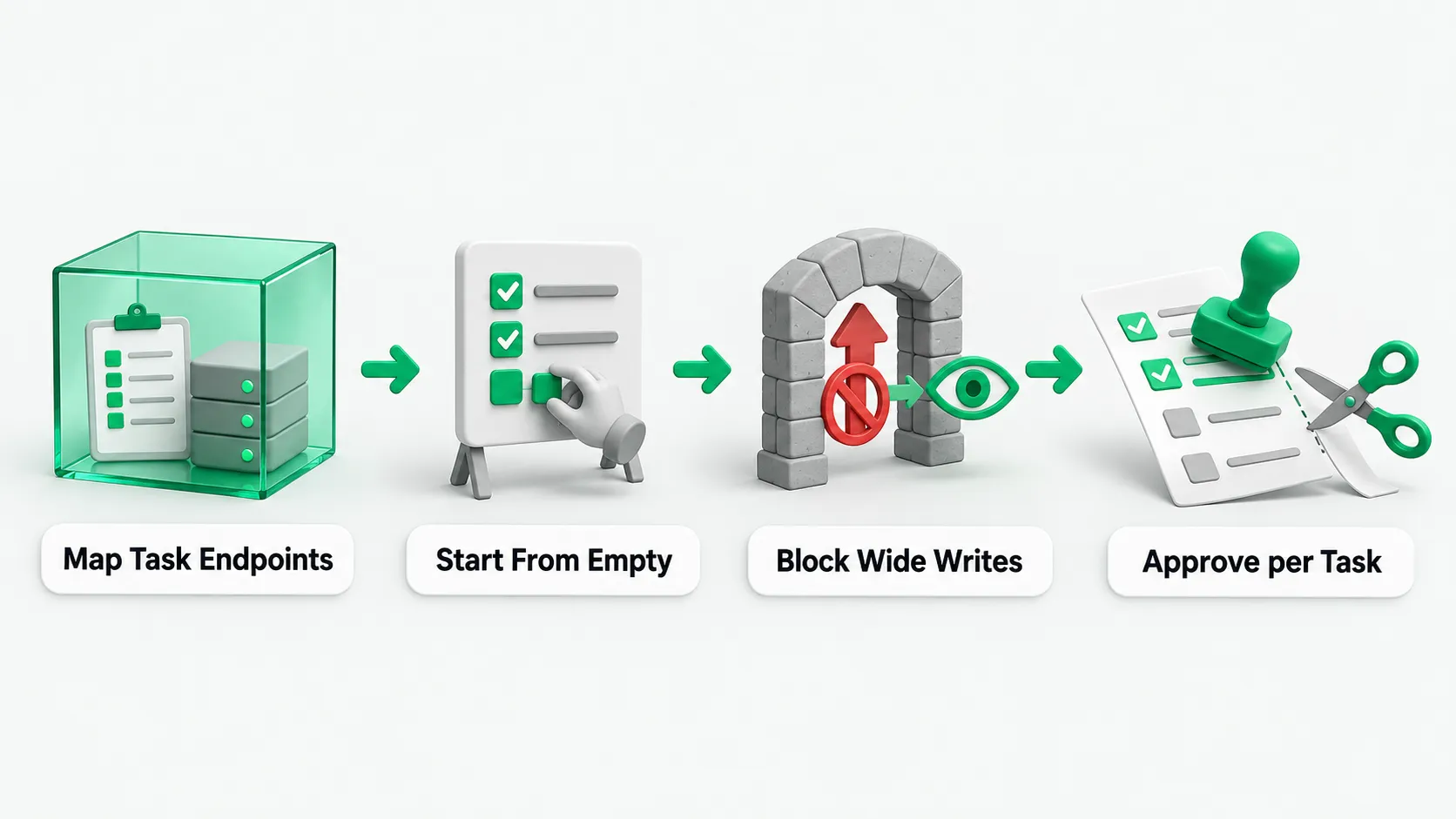
First list the addresses the task actually needs
Before configuring an egress policy, list the external addresses a single task needs to reach. These are mainly model APIs, internal business APIs, software dependency sources, and storage addresses. If the sandbox connects to an external tool service, the external addresses behind that service go on the list too. For what to check before connecting one, see MCP Security Risks: Which 4 Items Should You Review Before Connecting?.
Before pushing the configuration, confirm the platform’s rule precedence. Some platforms require the domain allowlist to be configured together with a deny-all rule. If you set only the allowlist and forget deny-all, the allowlist has no effect and all other traffic still goes out. On some platforms, allow overrides deny: when a destination matches both, it is allowed. Check this before you start.
For a sandbox with object storage or a network file system mounted, allow the matching storage addresses before changing the egress policy, or mounts and reads and writes will break. An allowed hostname is resolved once before the connection is made. Hostnames that resolve to a loopback address or a cloud metadata address are rejected. Private network ranges are not denied by default, so operations staff must add them to the deny list separately.
How to fill in the allowlist starting from empty
Finding every domain to allow usually takes a few rounds of trial. The development team can first get the task running in a test environment and work out the list there. For how to set up the test environment, see Agent Test Environment: Use Synthetic Data Before Connecting a CRM?. Building the domain allowlist from zero takes three steps:
- Configure preparation and execution separately: start from a preset list of common dependency sources such as source code hosting and package managers, then narrow it step by step. The preparation phase that installs dependencies can be configured with network access, and the agent execution phase is offline by default. Configure the two phases separately.
- Read application-layer responses to find gaps: a rejected connection sometimes still shows as successful inside the sandbox. Whether it was allowed shows in the application-layer response. Some proxies return an explicit denial message when they block a request. Use the block log to add missing subdomains to the list.
- Tighten dynamically per task: the policy can still be updated after the sandbox is created. It can be configured to narrow the egress scope to the current task. Where a specific subdomain can be named, do not use a wildcard subdomain.
Domain filtering usually covers only HTTP and HTTPS, and decides by the HTTP Host header and the hostname in the TLS handshake. Other ports can only be filtered by IP or network range, and some UDP-based protocols do not support domain filtering. Programs that do not go through the proxy cannot connect out at all. By default the proxy does not decrypt HTTPS content and sees only the hostname the client reports, so domain fronting can bypass it.
Why broad domains and write methods need separate controls
Opening a sandbox to the network carries four risks: prompt injection in web content, leakage of code or secrets, downloading malicious or vulnerable dependencies, and pulling in content with license restrictions. Putting a whole public code hosting site on the allowlist lets the agent push code to any repository, which opens a direct channel for data exfiltration.
To control broad domains and external credentials, configure three checks:
- Allow only read-only request methods: allow only the domains and HTTP methods needed. The system can be configured to allow only read-only methods such as GET, HEAD, and OPTIONS, and block write methods such as POST, PUT, PATCH, and DELETE.
- Keep real credentials out of the sandbox: keys and tokens do not enter the sandbox. The sandbox holds only placeholder values, and the proxy can be configured to swap placeholders for real values on the way out.
- Review outputs and logs: review the agent’s outputs and work logs on a schedule to catch unusual outbound transfers or noncompliant dependencies.
Who approves the allowlist, and how to narrow it over time
Once the development team has found the domains and HTTP methods a task needs in the test environment, it attaches a description of their purpose and submits them to the security lead for approval. Broad domains such as public code hosting, cloud drives, and general search are denied by default. Where the agent really needs to read public material, only read-only methods are approved. Rules go to production only after approval and a record.
Once the rules are running, operations and security pull the allow logs and block logs on a schedule and reconcile them. Domains with no traffic for a long time and wildcard rules that are too broad are removed from the domain allowlist, keeping each task at its minimum egress scope.
Agent egress control: FAQ
The agent needs a key to call an external API from the sandbox. How do we keep it from sending the key out?
Configure the system so credentials do not enter the sandbox. The sandbox holds only placeholder values, and the agent cannot get the real key even by reading environment variables. When a request goes to a destination the allowlist permits, the egress proxy swaps the placeholder for the real value at the boundary and sends it.
The connection shows as successful in the sandbox, but the API call still fails. Why?
From the bottom layer of the sandbox, a rejected connection sometimes still shows as successful. The egress proxy checks the HTTP Host header or the TLS handshake hostname only after it receives the request, and cuts the request if the host is not on the list. Some proxies return a denial message. To debug, look at the application-layer response and the proxy’s block log.
The domain allowlist has only a few domains. Why can’t the agent install dependencies?
There are four common causes. First, dependency sources often use several download subdomains and mirrors, so allowing only the main domain is not enough. Check the block log and add them to the domain allowlist. Second, the preparation and execution phases were not configured separately. The preparation phase that installs dependencies can be configured with network access using a preset list of common dependency sources, and the execution phase then goes offline. Third, some command-line tools do not use the proxy and cannot connect directly from the sandbox. Fourth, in a sandbox with object storage or a network file system mounted, the matching storage address was not allowed before the policy changed, so reads and writes break.